![GRABWEB [India]](/templates/lagom2/assets/img/logo/logo_big.454175622.gif "GRABWEB [India]")
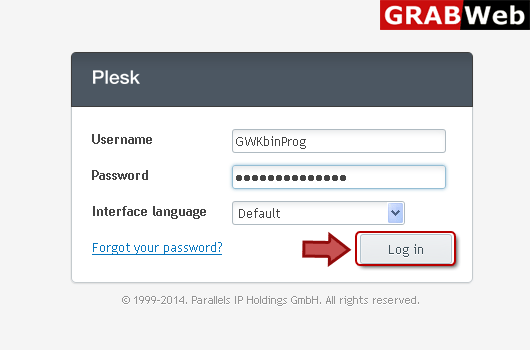
1) Login in to your Plesk Control panel.
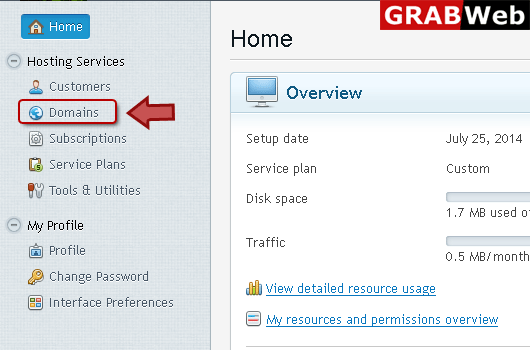
2) Click "Domains" at the left.
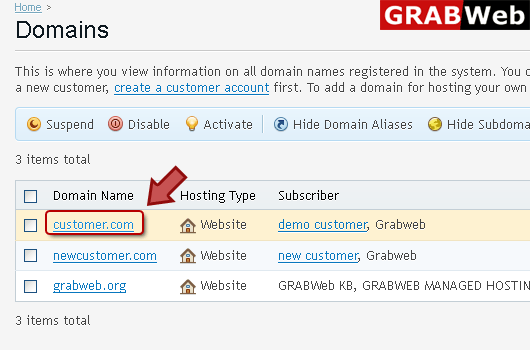
3) click on domain name at the left.
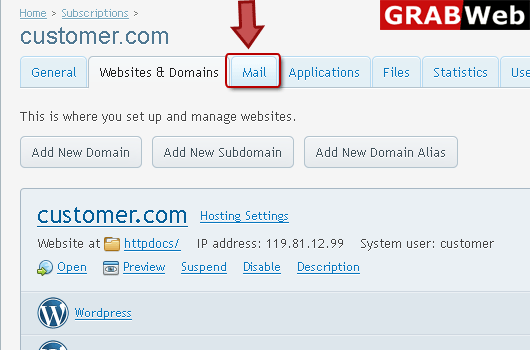
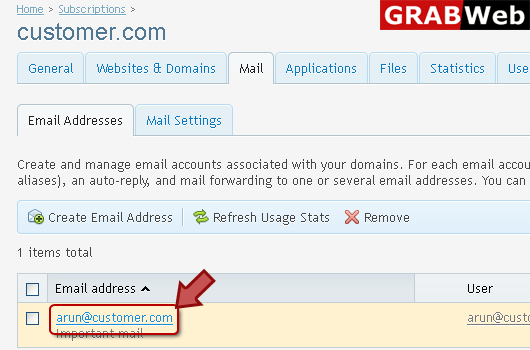
4) Click "mail" tab as marked in red.
5) Click on email address name for which you want to set auto reply.
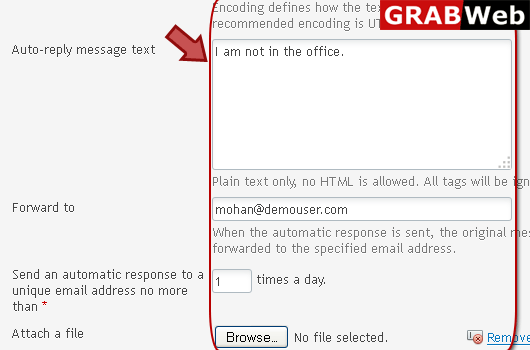
6) Click on "Auto Reply " tab and enter information in Red marked box bellow.
NOTE:Please Switch on auto reply,otherwise it is not work.

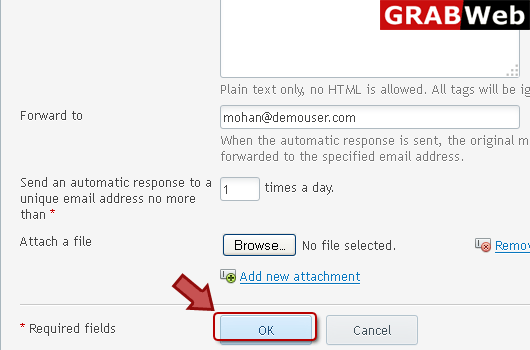
7) Click Ok.
