![GRABWEB [India]](/templates/lagom2/assets/img/logo/logo_big.454175622.gif "GRABWEB [India]")
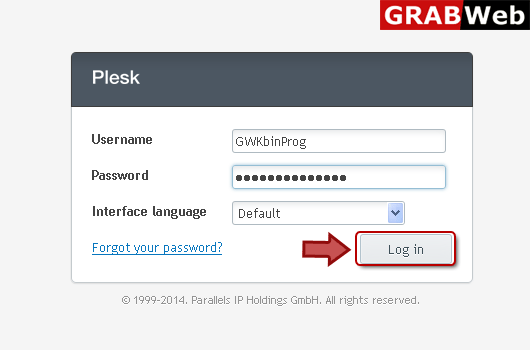
1) Login in to your Plesk Control Panel.
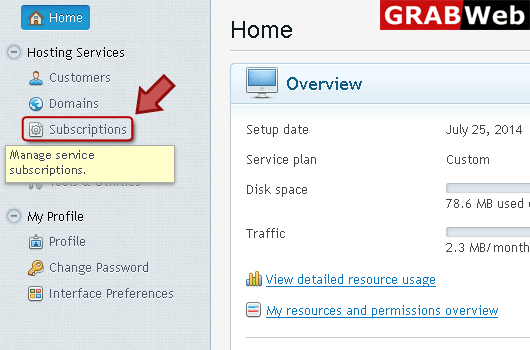
2) Click "Subscriptions" at the left.
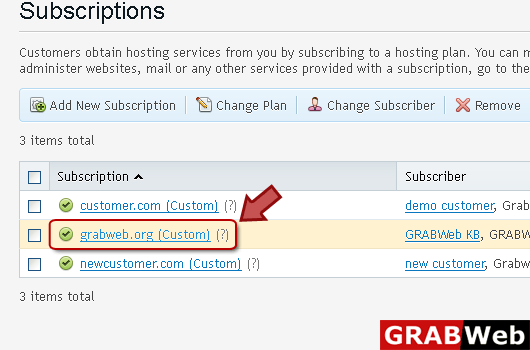
3) Click on subscription name.
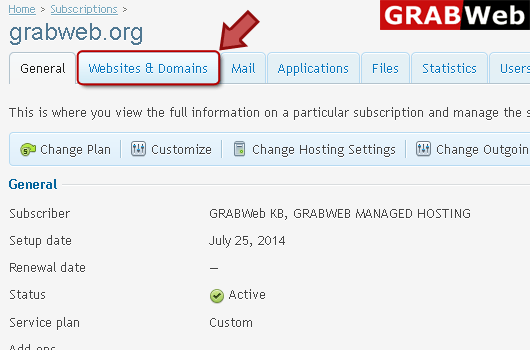
4) Click "Websites and Domains" tab.
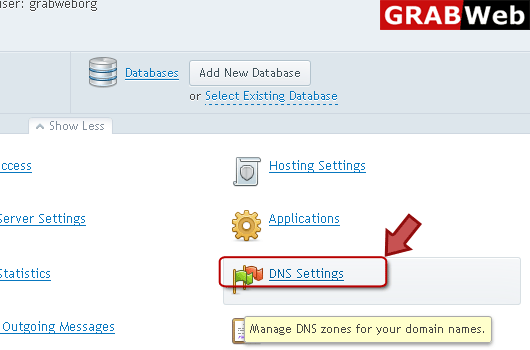
5) Click "DNS Settings" at the right bottom.
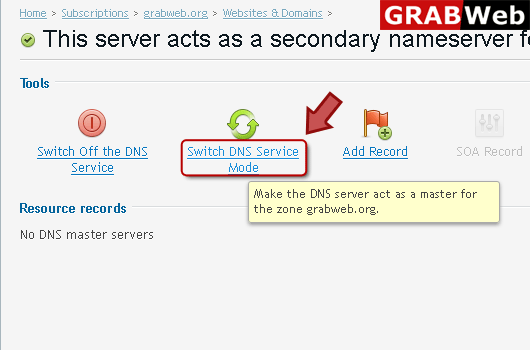
6) Click "Switch DNS service Mode" and your server act as primary server again.