![GRABWEB [India]](/templates/lagom2/assets/img/logo/logo_big.454175622.gif "GRABWEB [India]")
To change the time stamp of a file please follow the following steps:-
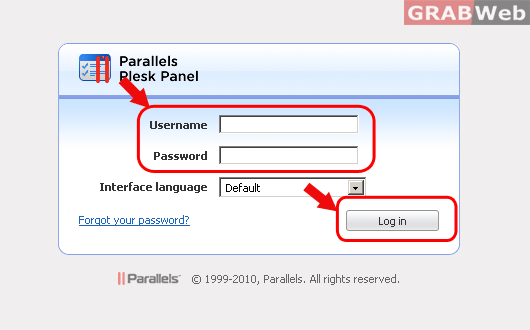
1) Login to Plesk Control Panel.
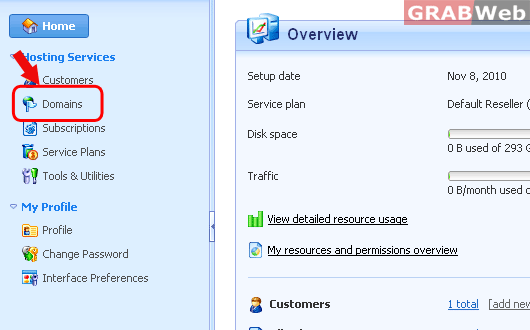
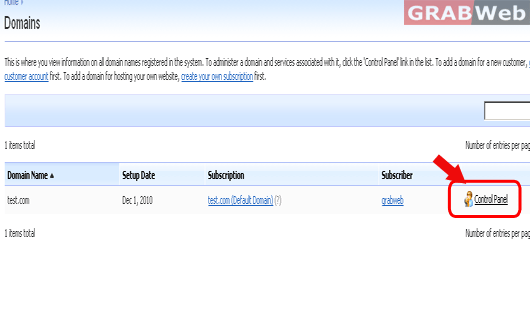
2) Click on "Domains" and then Click on "Control panel" in front of the domain whose files timestamp you want to change.
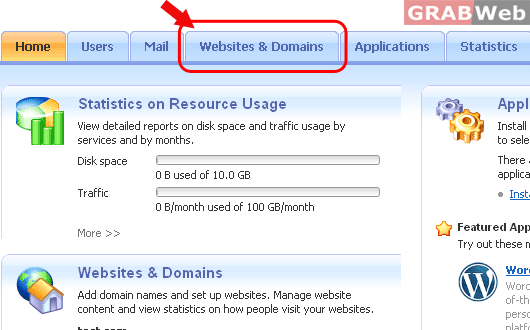
3) Click on "Websites and Domains".
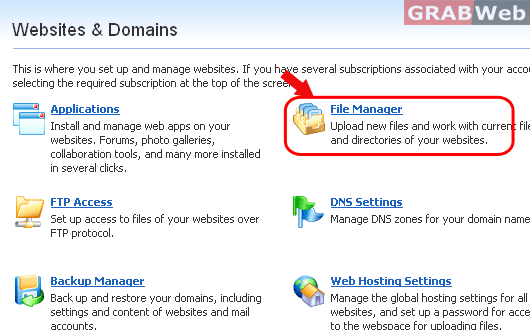
4) Click on "File manager".
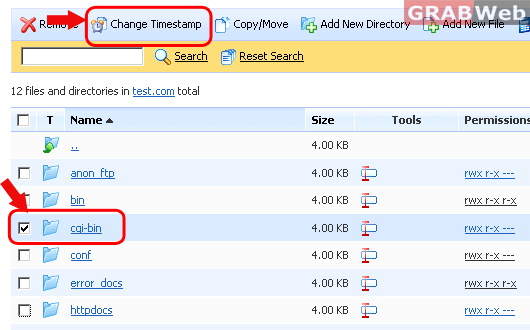
5) Select the file whose time stamp you want to change and click on "Change Timestamp".
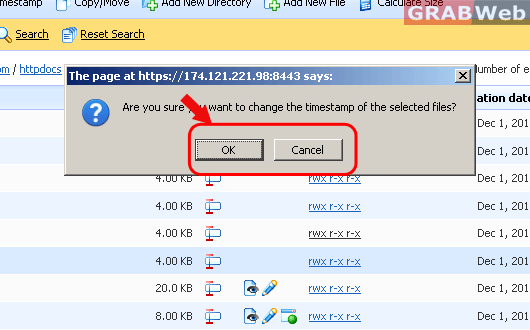
6) A pop up will come asking about "Are you sure you want to change the timestamp of the selected
files?". Click on "OK" and file timetstamp will be changed.