![GRABWEB [India]](/templates/lagom2/assets/img/logo/logo_big.454175622.gif "GRABWEB [India]")
To copy or move files from Plesk please follow the following steps:-
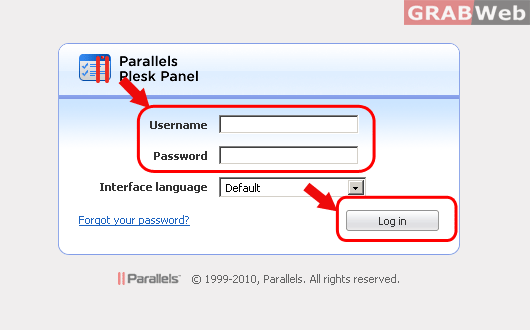
1) Login to Plesk control panel.
2) Click on "Domains" and then Click on "Control panel" in front of the domain whose files timestamp you want to change.

3) Click on "Websites and Domains".

4) Click on "File manager".

5) Select the file or directory which you want to move or copy. Click on copy/move
button once you have selected the file.

6) Select the destination where you want to move or copy that file. Click on "Copy" or
"Move" (which operation you want) once you have added the destination path.

