![GRABWEB [India]](/templates/lagom2/assets/img/logo/logo_big.454175622.gif "GRABWEB [India]")
1) Login in to your Plesk Control Panel.

2) Click on "Mail" tab.

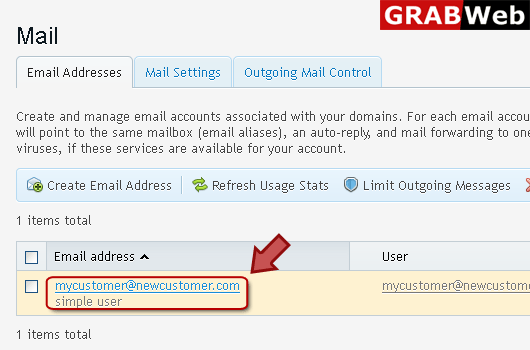
3) Click on email address as marked in red.
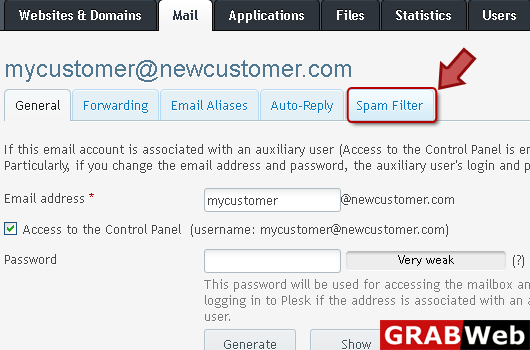
4) Click "Spam Filter" tab at the right.
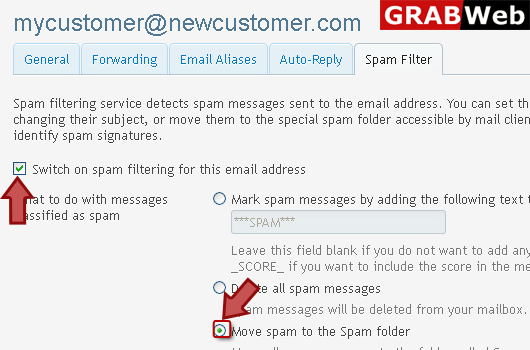
5) Switch on spam filter option then select what to do with spam.
6) If you want to do advance settings then click on "Show Advanced Settings" at the left bottom.

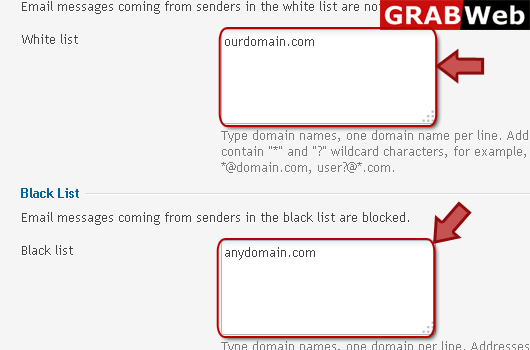
7) Then enter email address in white list and black list according to your need.
NOTE: Email messages coming from senders in the white list are not checked.
Email messages coming from senders in the black list are blocked.
8) Click Ok.

