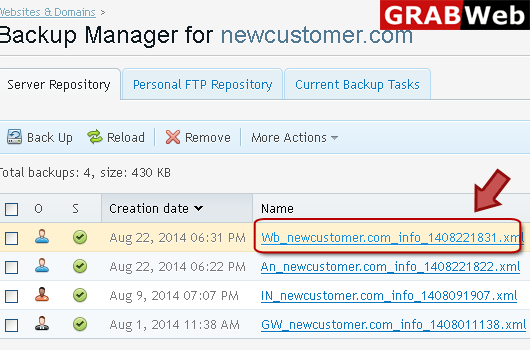
To back up all websites related to your subscriptions:
1) Login in to your Plesk Control Panel.
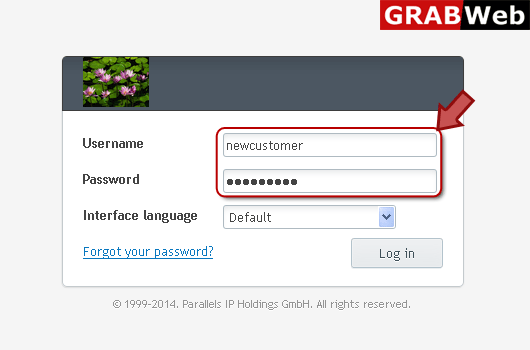
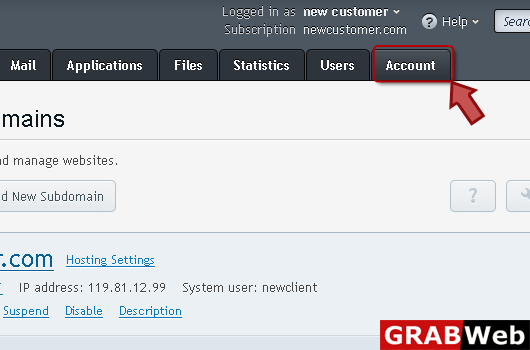
2) Click on "Account " tab as marked in red.
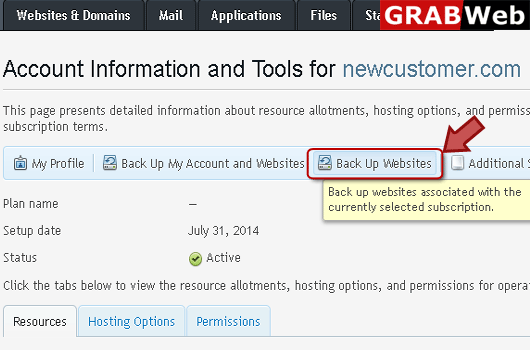
3) Click "Backup Websites" as marked in red.
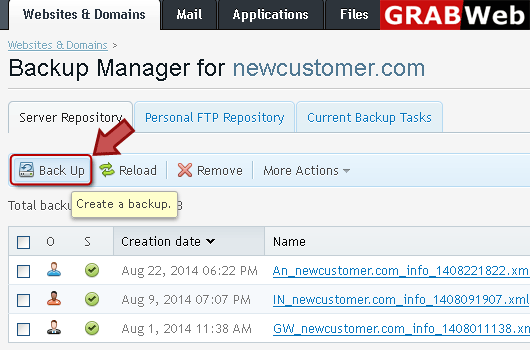
4) Click "Backup" at the left.
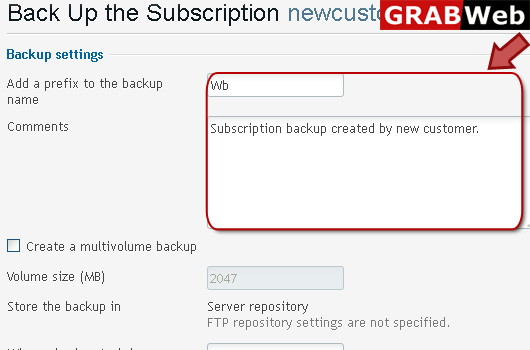
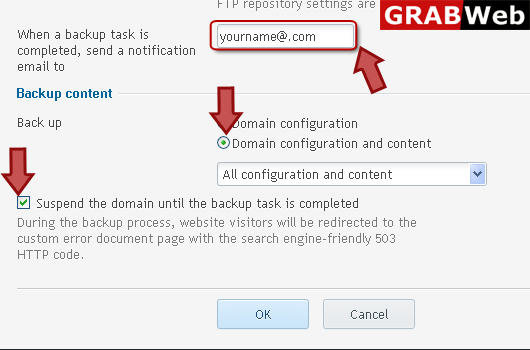
5) Enter information in red marked box then click Ok.
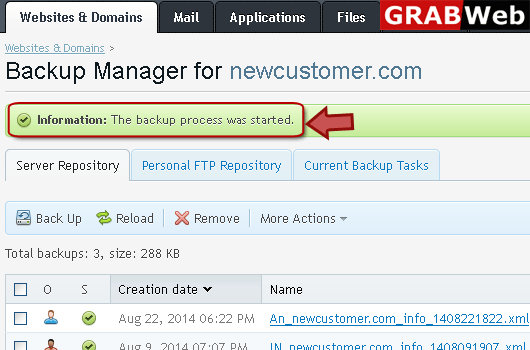
6) Here you can see that backup process was started.
7) In red marked box your backup was created.