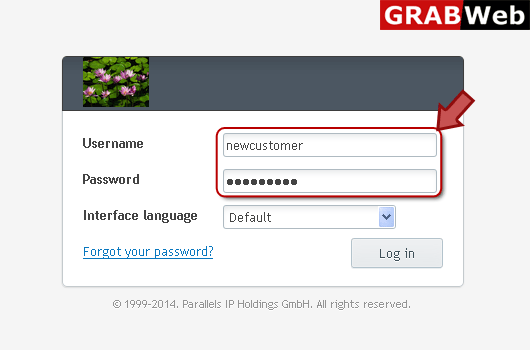
1) Login in to your Plesk Control Panel.
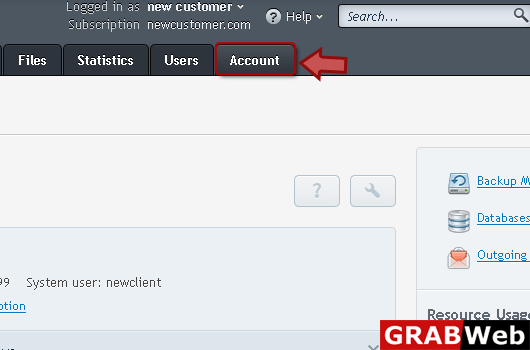
2) Click on "Accounts" tab at the right.
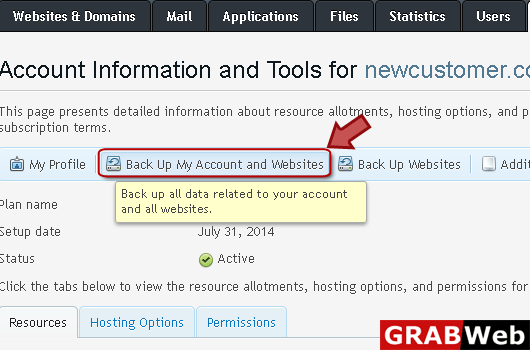
3) Click "Backup My Account and Websites" as marked in red.
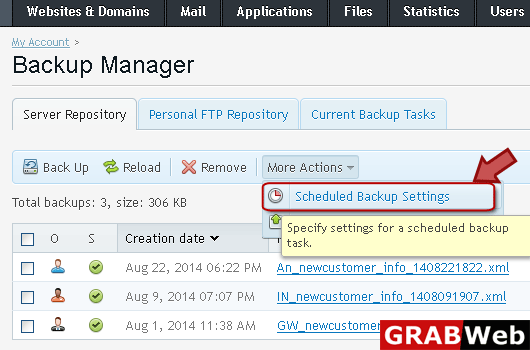
4) Click "More Actions" then click "Scheduled Backup Settings" at the right.
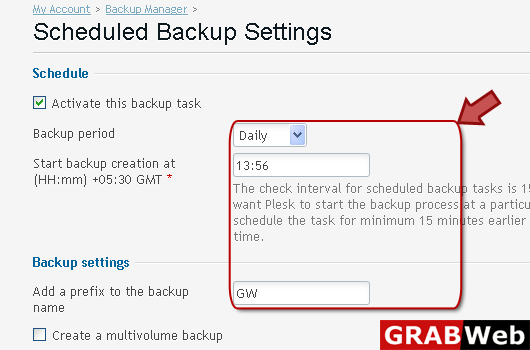
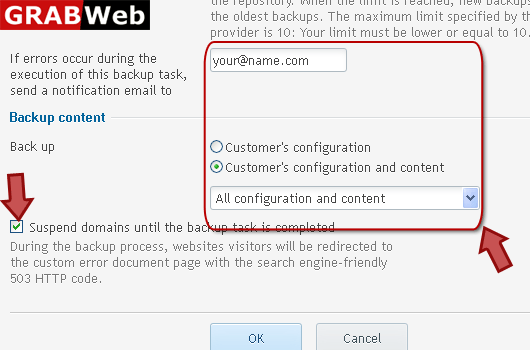
5) Enter information in red marked box then click Ok.
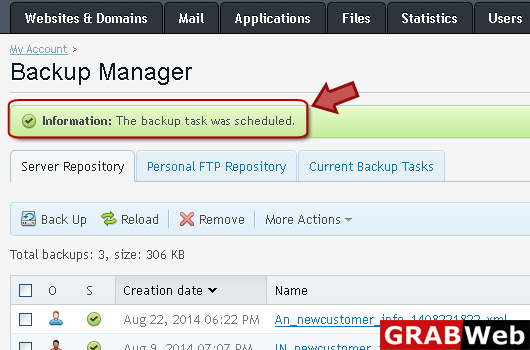
6) Here you can see that your backup task was scheduled.