
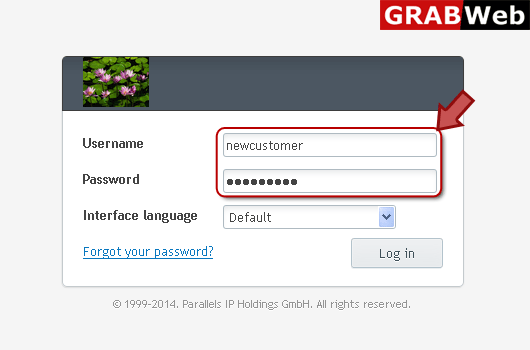
1) Login in to your Plesk Control Panel.
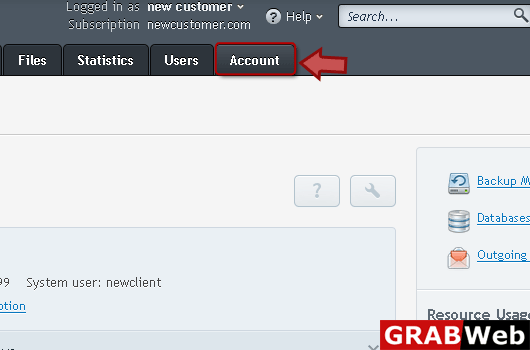
2) 2) Click on "Accounts" tab at the right.
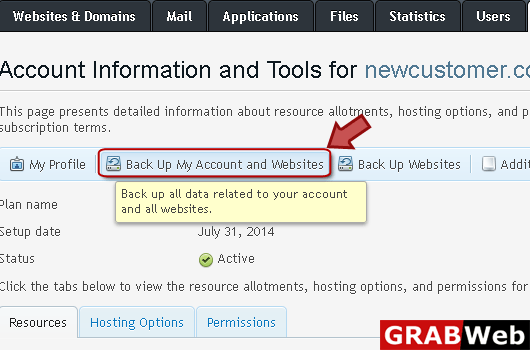
3) Click on "Backup My Account and Websites" as marked in red.
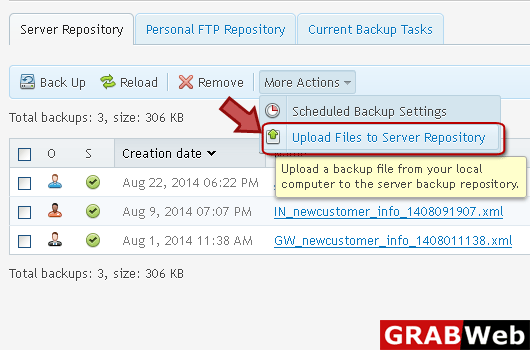
4) Click "More Actions" then click "Upload Files to server Repository" at the right.
5) Select which file you want to upload if you want to use password protection for this then enter password in red marked box.
Note that if you provide an incorrect password, Plesk will warn you but will upload the backup to the server anyway. During the backup restoration, you will be prompted to enter the password again.
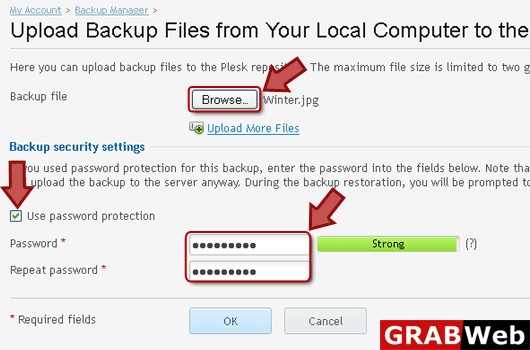
6) Click Ok.
