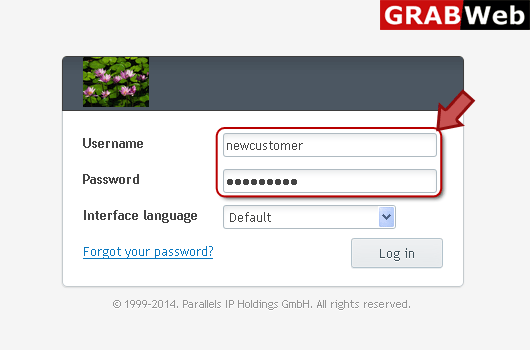
1) Login in to your Plesk Control Panel.
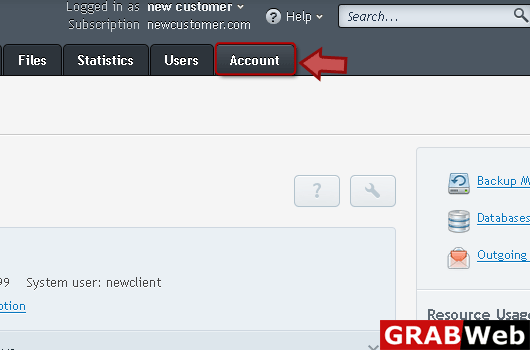
2) Click "Account" tab at the right.
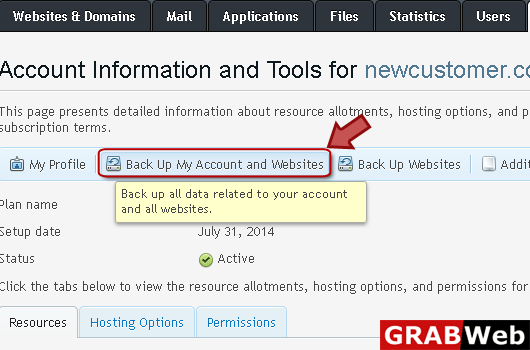
3) Click "Backup My Account and Websites" as marked in red.
4) Select the backup which you want to remove then click "Remove" tab.
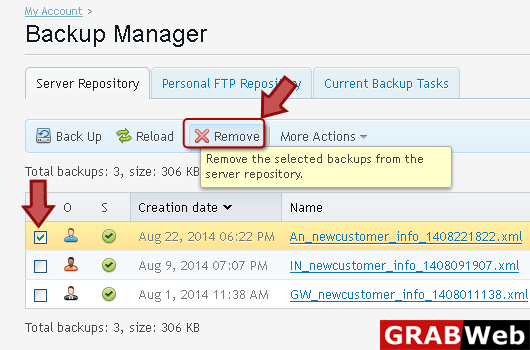
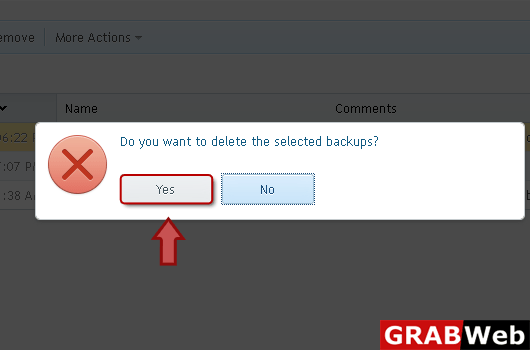
5) If you surly want to remove then click Yes.