![GRABWEB [India]](/templates/lagom2/assets/img/logo/logo_big.454175622.gif "GRABWEB [India]")
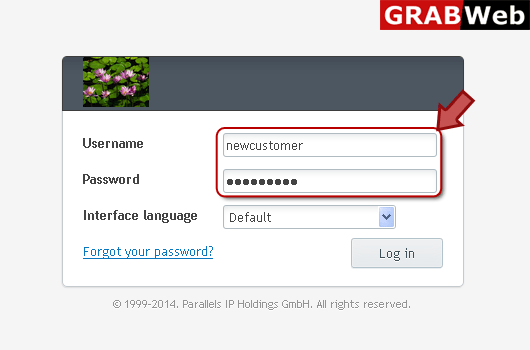
1) Login in to your Plesk Control Panel.
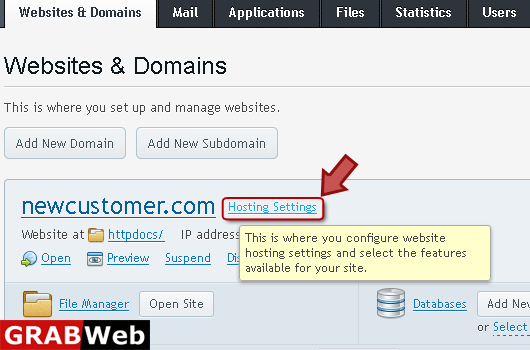
2) Click on "Hosting Settings" as marked in red.
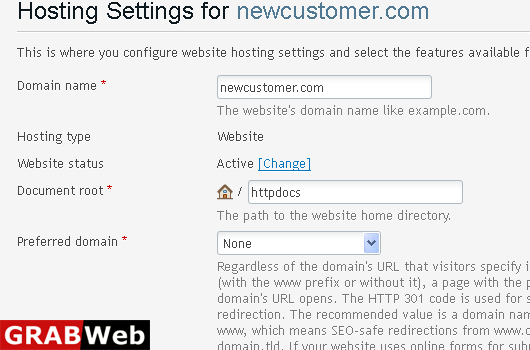
3) Here you can view the general hosting settings.
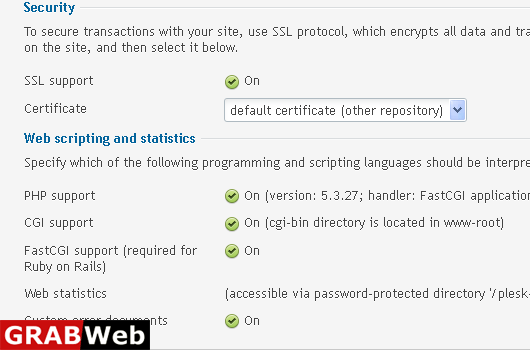
NOTE:The website status defines whether a website is available over the Internet and what hosting...
To view PHP Settings of a domain:1) Login in to your Plesk Control Panel.2) Click on "Websites...
To installation Application:1) Login in to your Plesk Control Panel.2) Click on "Applications"...
