![GRABWEB [India]](/templates/lagom2/assets/img/logo/logo_big.454175622.gif "GRABWEB [India]")
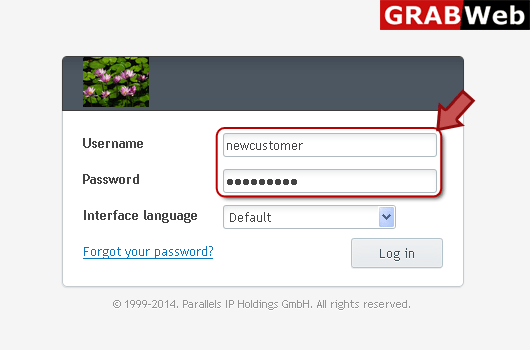
1) Login in to your Plesk Control Panel.
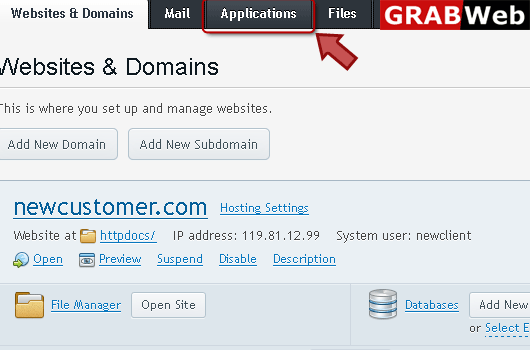
2) Click on "Applications" tab as marked in red.
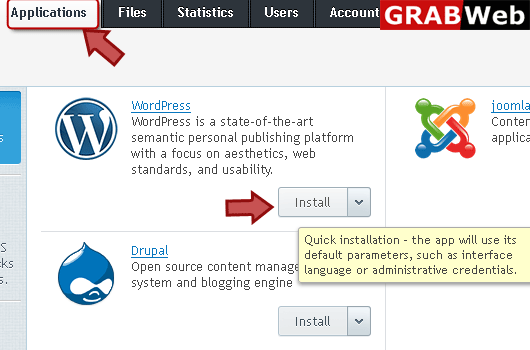
3) After click on application tab click on install button of application which you want to install.
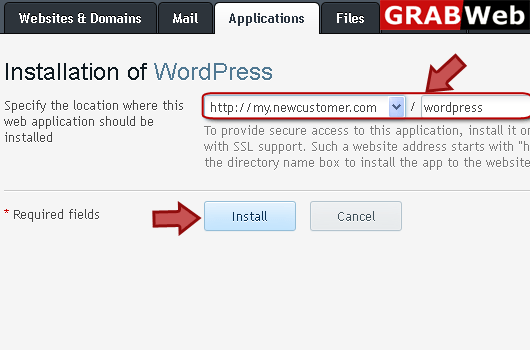
4) Specify the location where you want to install in red marked box then click install.
5) Here you can see the information that your application was successfully installed.
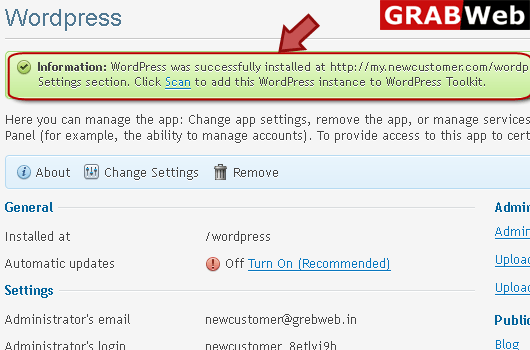
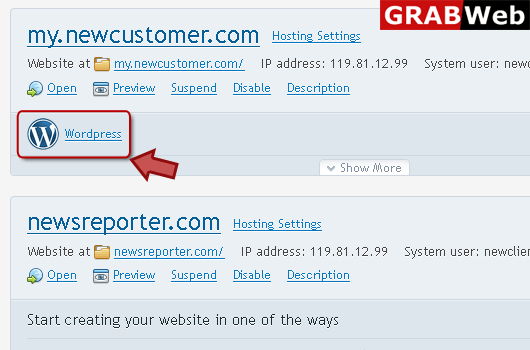
6) Here you can see your installed application in red marked box.