![GRABWEB [India]](/templates/lagom2/assets/img/logo/logo_big.1492388305.svg "GRABWEB [India]")
Please follow the following steps to add email filters in your email account :-
1) Login to cPanel
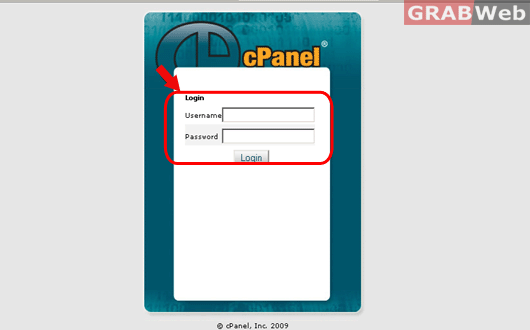
2) Click on "User Level Filtering" icon.

3) Click on "Manage Filters" option in front of the email acccount for whome you want to set the email filtering.
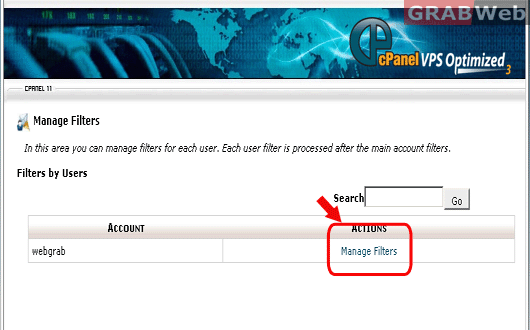
4) Click on "Create a new filter" to create a new rule.
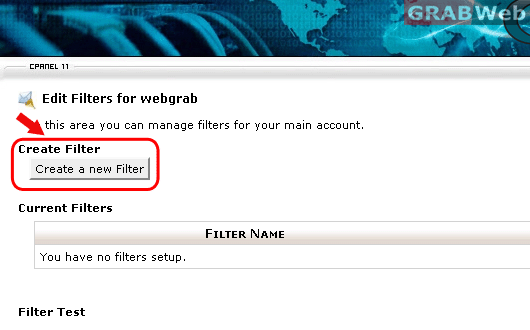
5) Enter the required detail and select the rules option to create the rule. Also make sure you define the action to be performed for a specific email.

6) Click on "Activate" once you have entered the required details.

