![GRABWEB [India]](/templates/lagom2/assets/img/logo/logo_big.1492388305.svg "GRABWEB [India]")
- Login into Plesk Panel.

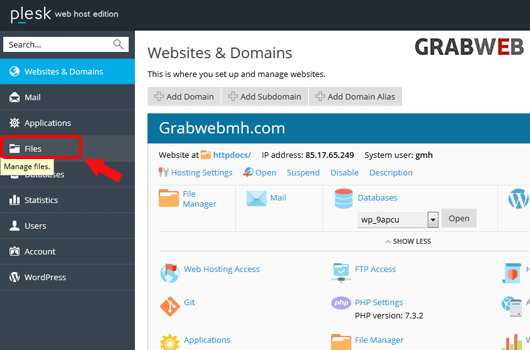
2. Click on the "Files" tab as marked in the image.
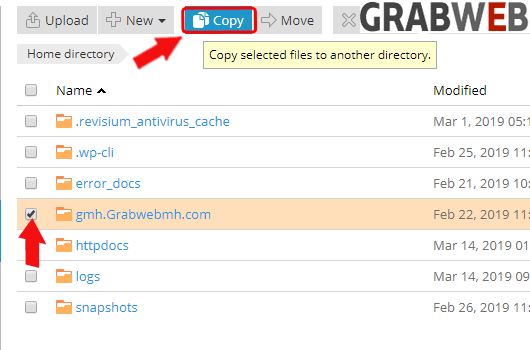
3. Select the file or directory which you want to copy and after select click on Copy button as marked in the image.
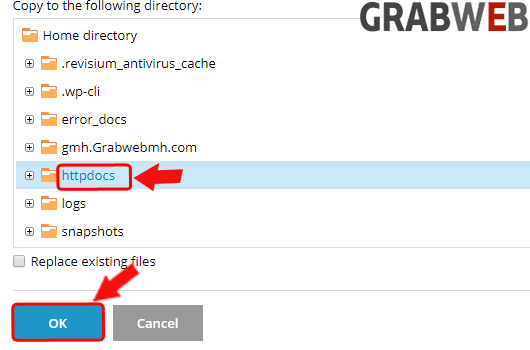
4. Select the location where you want to copy the files or directory and Select "Ok" to save.