![GRABWEB [India]](/templates/lagom2/assets/img/logo/logo_big.454175622.gif "GRABWEB [India]")
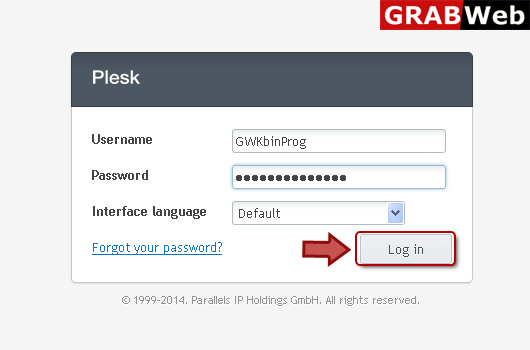
1) Login in to your Plesk Control Panel.
2) Click "Domains" at the left.

3) Click on domain name.

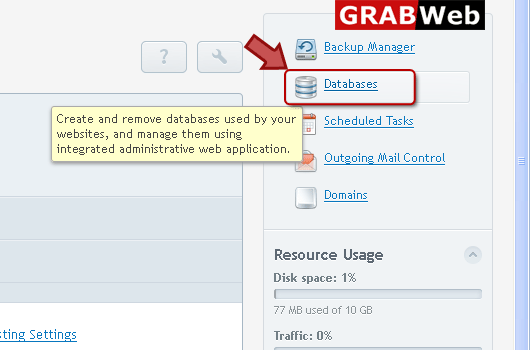
4) Click on Databases as marked in red.
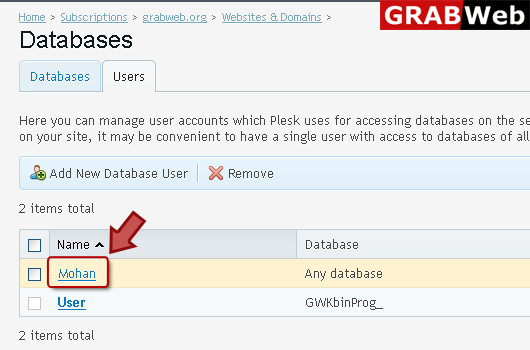
5) Click "Uesrs" at the right then click on user name.
6) Enter information in Red marked box then click ok.
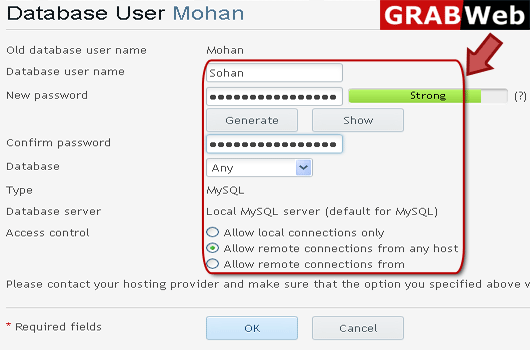
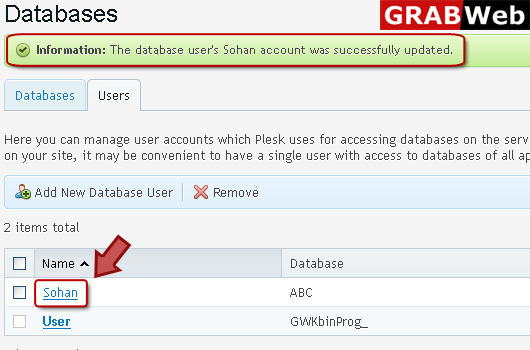
7) Here you can see that database user's Sohan account was successfully updated.