![GRABWEB [India]](/templates/lagom2/assets/img/logo/logo_big.454175622.gif "GRABWEB [India]")
1) Login in to your Plesk Control Panel.

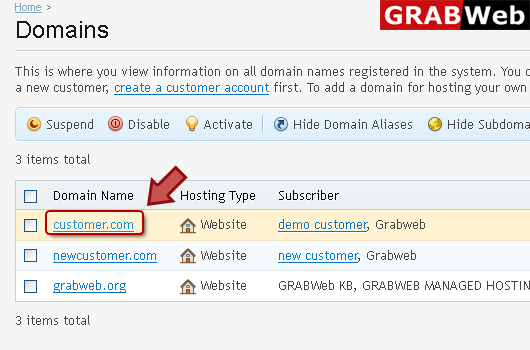
2) Click "Domains" at the left.

3) Click on domain name.
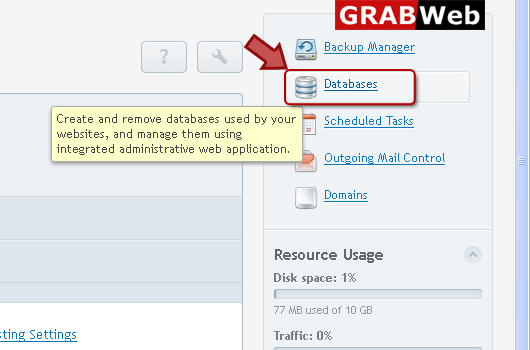
4) Click on Databases as marked in red.
5) Select domain name which you want to import.

6) Click "Webadmin" option at the right.

7) Here you can access your database.

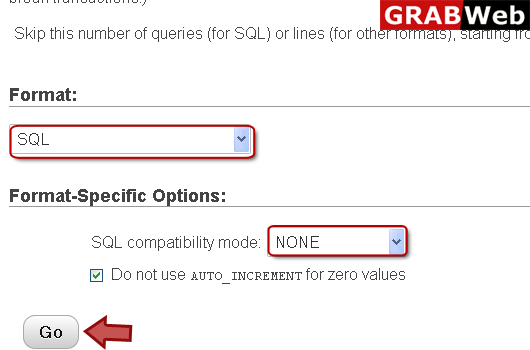
8) Click "Import" tab at the right enter your information in Red marked boxes then click Go.

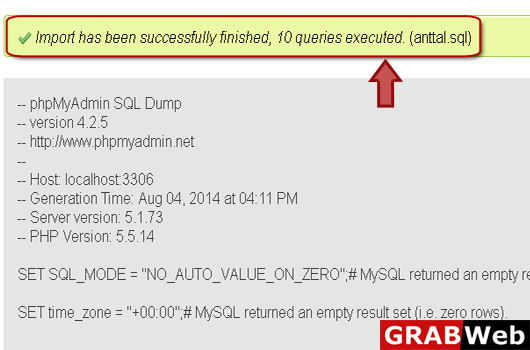
9) Here you can see that import has been successfully finished.