![GRABWEB [India]](/templates/lagom2/assets/img/logo/logo_big.454175622.gif "GRABWEB [India]")
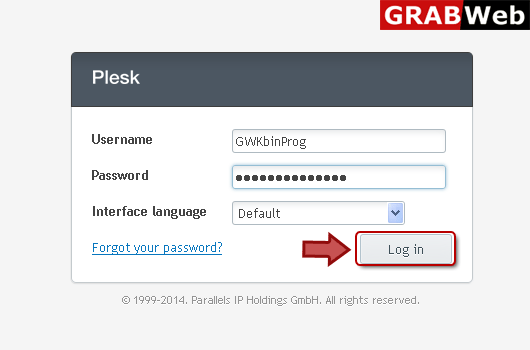
1) Login in to your Plesk Control Panel.
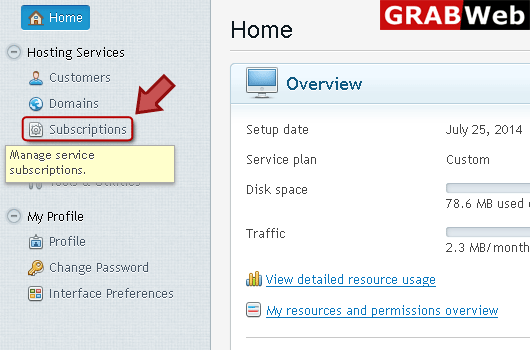
2) Click "Subscriptions" at the left.
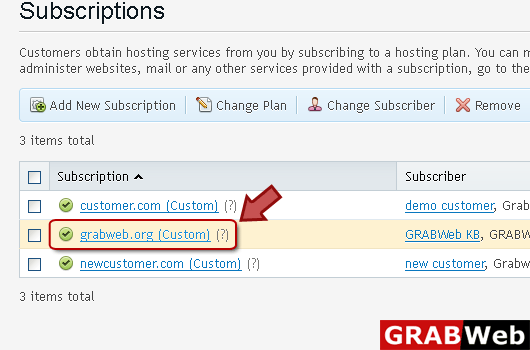
3) Click on subscription name.
4) Click "Applications" tab at the right.

5) Click "Manage My Applications" at the left.

6) Click on application name.

7) Click on Change settings tab.

8) Click on Update Settings checkbox to enable automatic update then click Ok.


