![GRABWEB [India]](/templates/lagom2/assets/img/logo/logo_big.454175622.gif "GRABWEB [India]")
1) Login in to your Plesk Control Panel.
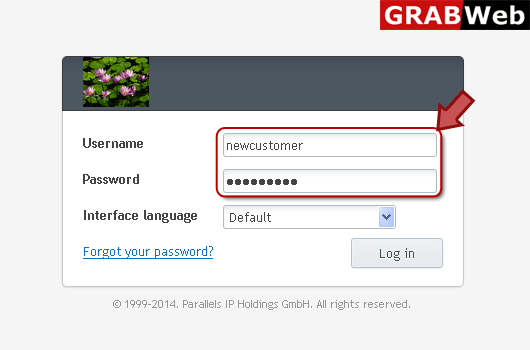
2) Click on "Mail" tab.

3) Click on email address as marked in red.

4) Click "Auto Reply" tab as marked in red.

5) Click Switch on auto-reply box then enter your auto reply message in red marked box then click Ok.


