![GRABWEB [India]](/templates/lagom2/assets/img/logo/logo_big.454175622.gif "GRABWEB [India]")
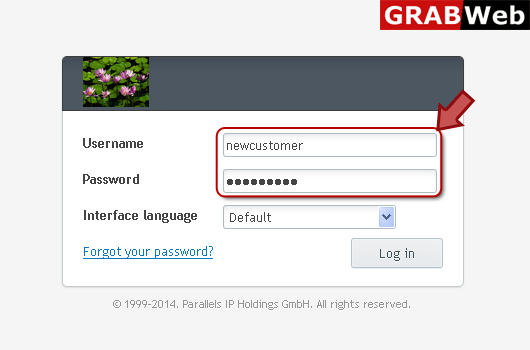
1) Login in to your Plesk Control Panel.
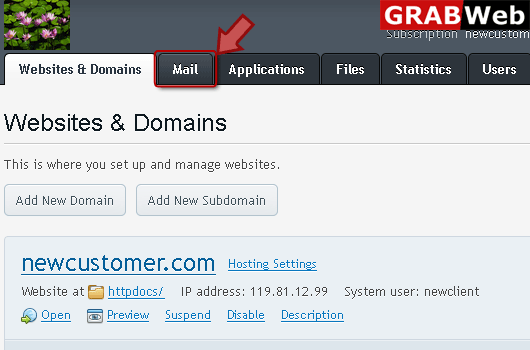
2) Click on "Mail" tab as
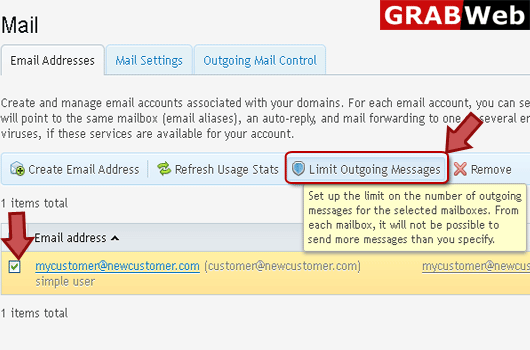
3) Select the email address then click on "Limit Outgoing Messages" as marked in red.
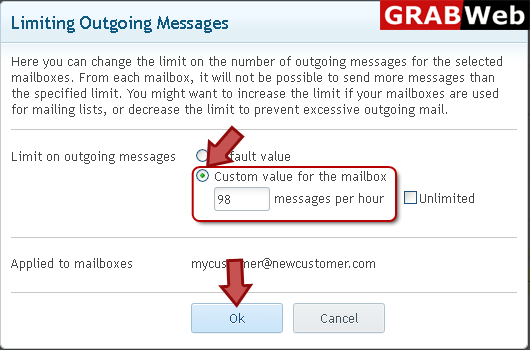
4) Enter custom value for message per hour according to your need in red marked box then click Ok.