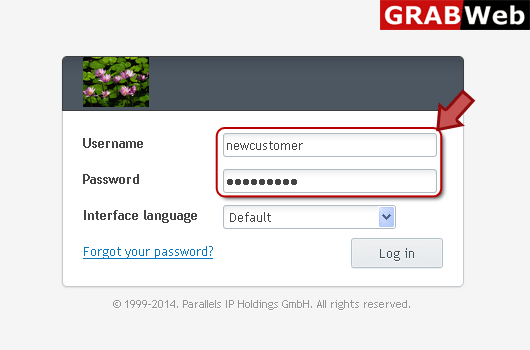
1) Login in to your Plesk Control Panel.
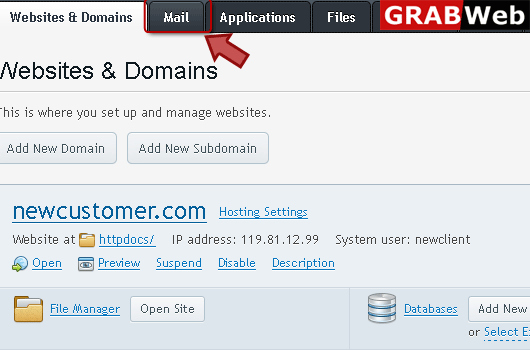
2) Click on "Mail" tab as marked in red.
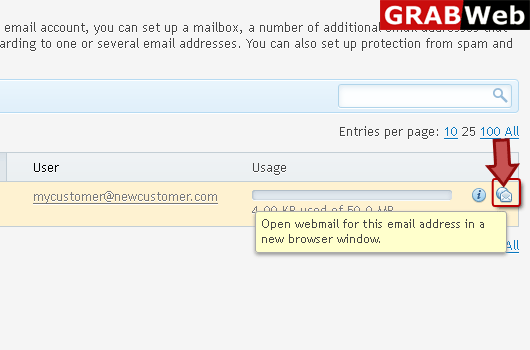
3) Click on the icon which is marked in red in front of your email address.
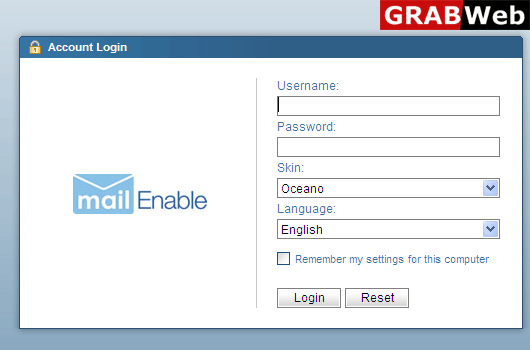
4) Here you can access your webmail.
![GRABWEB [India]](/templates/lagom2/assets/img/logo/logo_big.1492388305.svg "GRABWEB [India]")
To configure Bounce with Message option:1) Login in to your Plesk Control Panel.2) Click on...
To deactivate mail services for a domain:1) Login in to your Plesk Control Panel.2) Click on...
To forwrd mail to the specified email address:1) Login in to your Plesk Control Panel.2) Click on...
To activate mail services for a domain:1) Login in to your Plesk Control Panel.2) Click on "Mail"...
To create an email address:1) Login in to your Plesk Control Panel.2) Click on "Mail" tab.3)...
