![GRABWEB [India]](/templates/lagom2/assets/img/logo/logo_big.1492388305.svg "GRABWEB [India]")
1)Login to Plesk control panel.

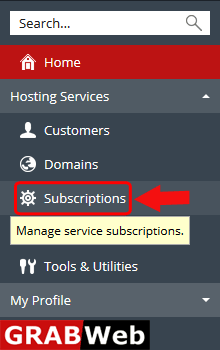
2)Click on Subscriptions.
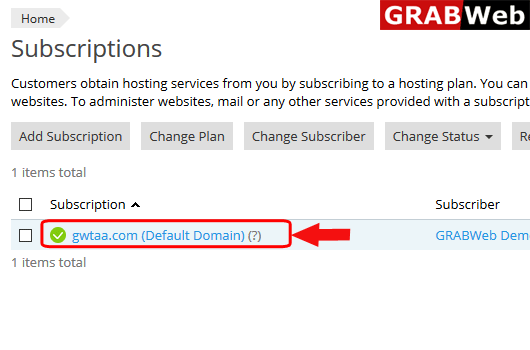
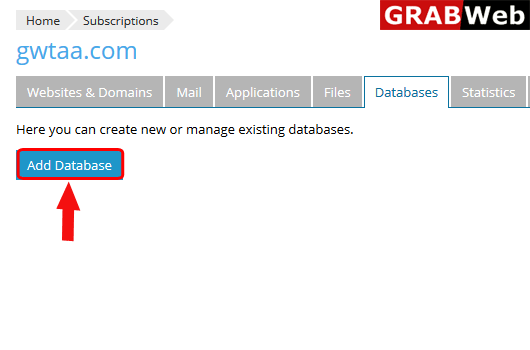
3)Click on subscription name in which you want to add the database.
4)Click on Database tab.
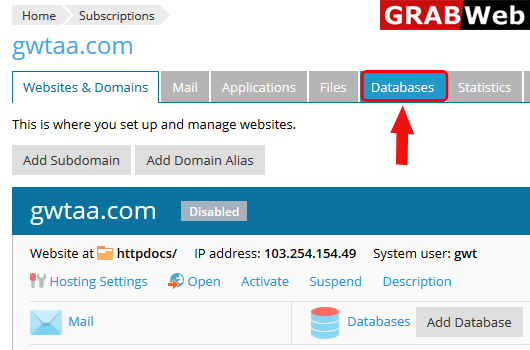
5)Click on Add Database as shown bellow.
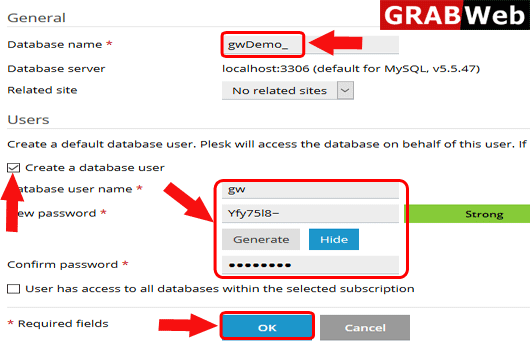
6)Fullfill the required information and then click on OK.
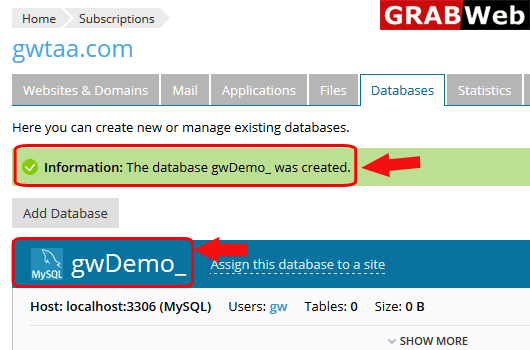
7)Here you can see your database was created.