![GRABWEB [India]](/templates/lagom2/assets/img/logo/logo_big.1492388305.svg "GRABWEB [India]")
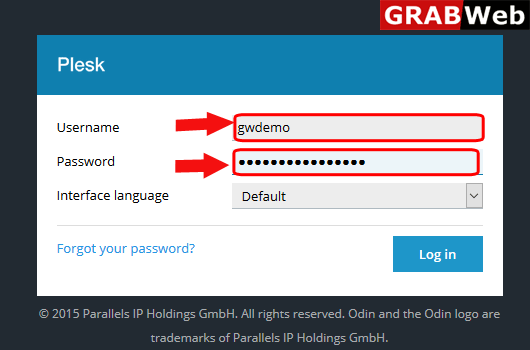
1)Login to Plesk control panel.
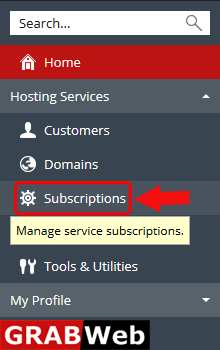
2)Click on Subscriptions.
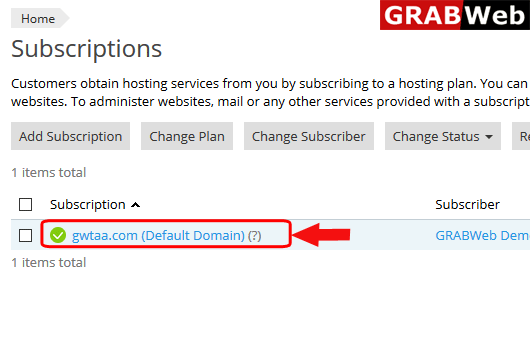
3)Click on subscription name.
4)Click on Database tab.
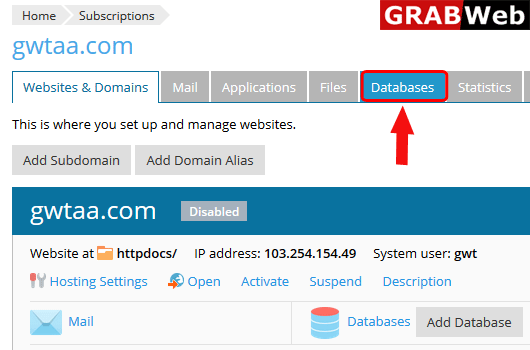
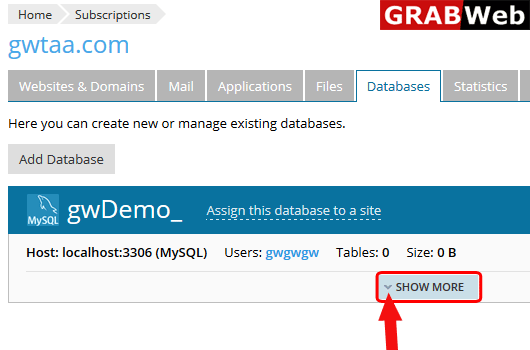
5)Bellow the database click on Show More option.
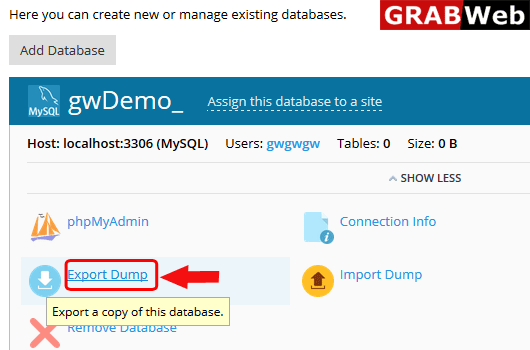
6)Click on Export Dump.
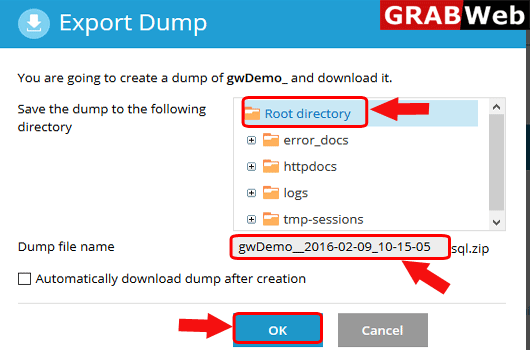
7)Select the file location where you want to store the expoted file as shown bellow then clcik on OK.
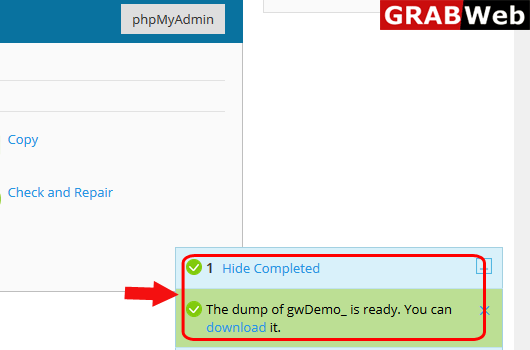
8)At the bellow right hand side you can see that your work is done.