![GRABWEB [India]](/templates/lagom2/assets/img/logo/logo_big.1492388305.svg "GRABWEB [India]")
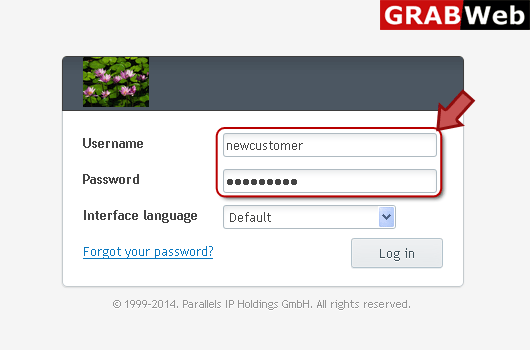
1) Login in to your Plesk Control Panel.
2) Click on "Websites & Domains" tab at the left.
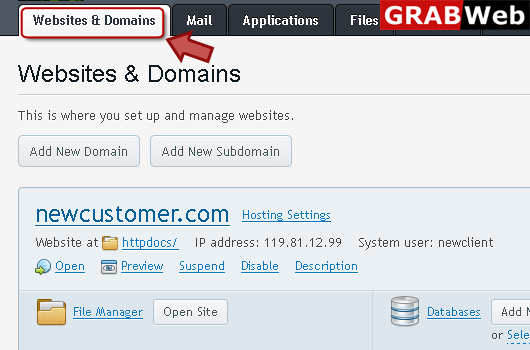
3) Click on "Show More" at the bottom.

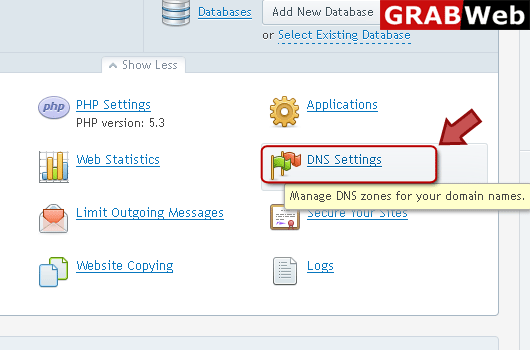
4) Click on "DNS Settings" as marked in red.
5) Click on "SOA Record" as marked in red.

6) Click on the checkboxes as highlited by arrow then press OK.

7) Here you can see that the SOA record was updated.

