![GRABWEB [India]](/templates/lagom2/assets/img/logo/logo_big.454175622.gif "GRABWEB [India]")
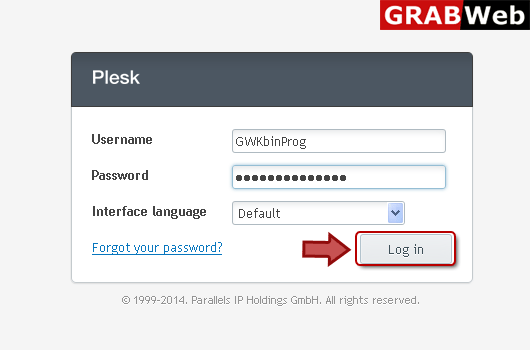
1) Login in to your Plesk Control Panel.
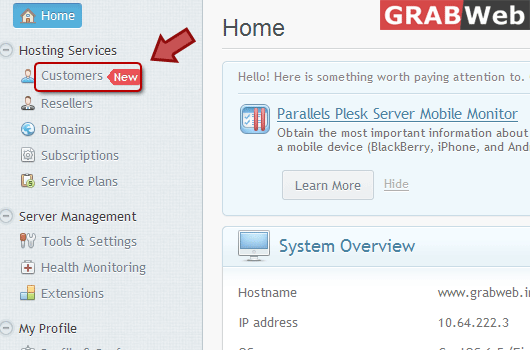
2) Click "Customers" at the left.
3) Click on "Add New Customer" at right.

4) Fill Customer "Information" as Marked in Red.


5) Fill details as marked in red to give your client an "Access to Plesk".

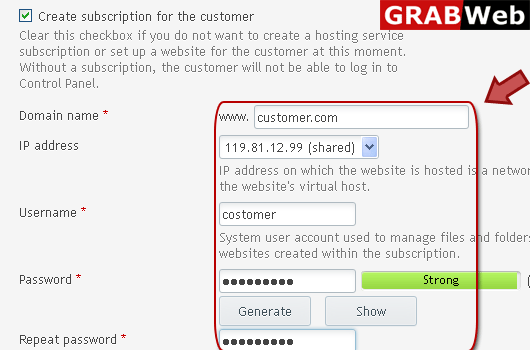
6) Fill the domain and allocate the IP, in case you wish to add "Subscription" for your client.
7) Click OK, Now your client should be able to access the panel via https://your-hosted-ip:8443
