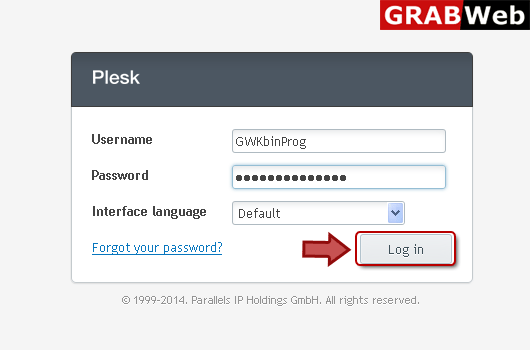
1) Login in to your Plesk Control Panel.
2) Click "Customers" at the left.

3) Select the check box of suspended client then click on "Activate".

![GRABWEB [India]](/templates/lagom2/assets/img/logo/logo_big.454175622.gif "GRABWEB [India]")
To add new client: 1) Login in to your Plesk Control Panel. 2) Click "Customers" at the left.3)...
NOTE: If you are going to remove customer account then all subscriptions belonging to them is...
NOTE: If you suspend the account then this will suspend all its subscriptions making the...
To edit contact info:1) Enter in to your Plesk Control Pannel.2) Click "Customers" at the...
To edit customer login info:1) Enter in to your Plesk Control Panel.2) Click "Customers" at the...
