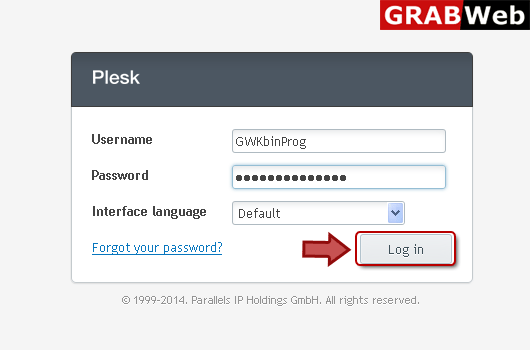
1) Enter in to your Plesk Control Panel.
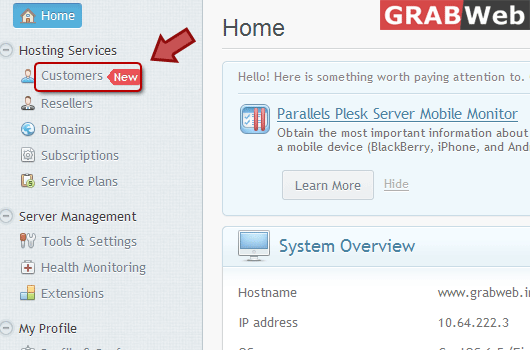
2) Click "Customers" at the left.
3) Click the customer name for which you want to change "Login Info".

4) Click "Change Login Info" marked in red.

5) Enter information in box marked as Red.

6) Click OK.
![GRABWEB [India]](/templates/lagom2/assets/img/logo/logo_big.454175622.gif "GRABWEB [India]")
To add new client: 1) Login in to your Plesk Control Panel. 2) Click "Customers" at the left.3)...
NOTE: If you are going to remove customer account then all subscriptions belonging to them is...
NOTE: If you suspend the account then this will suspend all its subscriptions making the...
To activate suspended client:1) Login in to your Plesk Control Panel.2) Click "Customers"...
To edit contact info:1) Enter in to your Plesk Control Pannel.2) Click "Customers" at the...
